Guide
Tying a newsletter click to the person who paid
Email tools tell you a link was clicked. They stop at your domain, which is exactly where the interesting part starts.
Updated
Where the measurement usually stops
Your sending tool knows who opened and who clicked, and nothing after. Your analytics knows a visit arrived from a campaign, and not who it was. Between the two sits the question worth answering: did that subscriber buy, and is this list worth the hour it takes to write.
A campaign tag closes half the gap. The visit and any payment it leads to are credited to the newsletter, so the channel can be ranked against every other. What a tag cannot do is tell you which of your subscribers it was.
Carrying the subscriber id
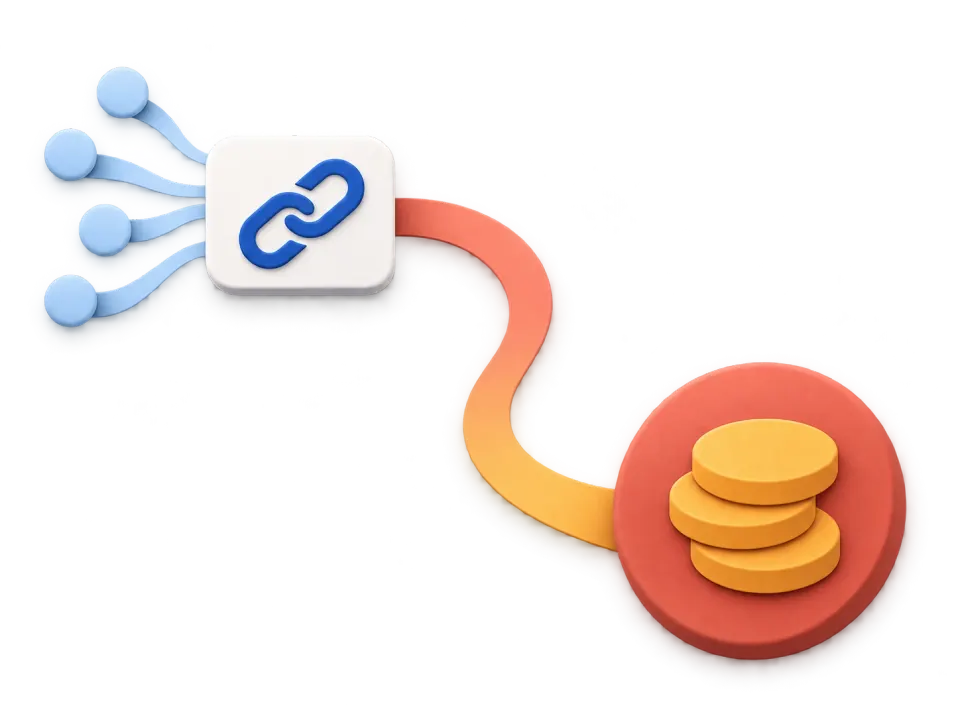
Most sending tools can interpolate a subscriber identifier into a link. Put yours on the links in the email and the visit, the pages read and anything bought is tied to that subscriber rather than to an anonymous visitor.
From then on the person has a history: which issues they clicked, what they read each time, the goals they hit and the payment at the end. On a list of a few thousand that is the difference between "email converts at 2 per cent" and knowing which three issues produced every customer you got from it.
- Add the parameter to the links in your email, using your tool's own merge field for the subscriber id
- Keep a campaign tag on the same links so the channel reporting still works
- Nothing else to install: the id is read on arrival by the script that is already there
The limits, and the privacy of it
The identifier is yours, not ours. Use the opaque id your sending tool already assigns, never an email address in a URL: addresses in links end up in referrer headers, in server logs you do not control and in screenshots.
A forwarded email carries the parameter with it, so a very engaged subscriber and a friend they forwarded to look like one person. That is rare enough to live with and worth knowing about before you build a report on it.
And this is identification you are choosing, for people who subscribed to you. The default for everybody else stays as it is: no cookie, a daily rotating hash, nobody followed between days or sites.
The dashboard this is describing
Live demo, real queries, generated traffic. No sign-up.
- Organic Social2,412$3,120
- Direct1,072$1,240
- Referral771$960
- Organic Search720$580
- AI246$310
- 🇺🇸United States885$2,410
- 🇮🇳India887$140
- 🇬🇧United Kingdom427$980
- 🇩🇪Germany427$760
- 🇧🇷Brazil451$210
Questions
Does this work with any email tool?
With any tool that can put a merge field into a link, which is all of them. There is no integration to install and no API key to exchange, because the identifier travels in the URL the subscriber clicks.
What if somebody clicks from two devices?
Both visits carry the same identifier, so they are the same person in the history even though they are different browsers. That is the point of carrying an id you already have rather than relying on the anonymous one.
Can I remove a subscriber's history later?
Yes. A visitor and everything attached to them can be deleted, and a whole site can be exported or wiped from the settings without asking us. The deletion is the real one, not a flag.